Building a Design System That Saved 100 Hours Per Week
How I transformed a 60-person video team drowning in ad-hoc graphics requests into a self-service operation through systematic template design and stakeholder collaboration.
The Washington Post Video Department | 2018-2025
The Challenge
When I became Deputy Creative Director at The Washington Post, our motion graphics team was overwhelmed. We had four full-time animators supporting 60+ video producers, editors, and reporters, and we were drowning in repetitive requests.
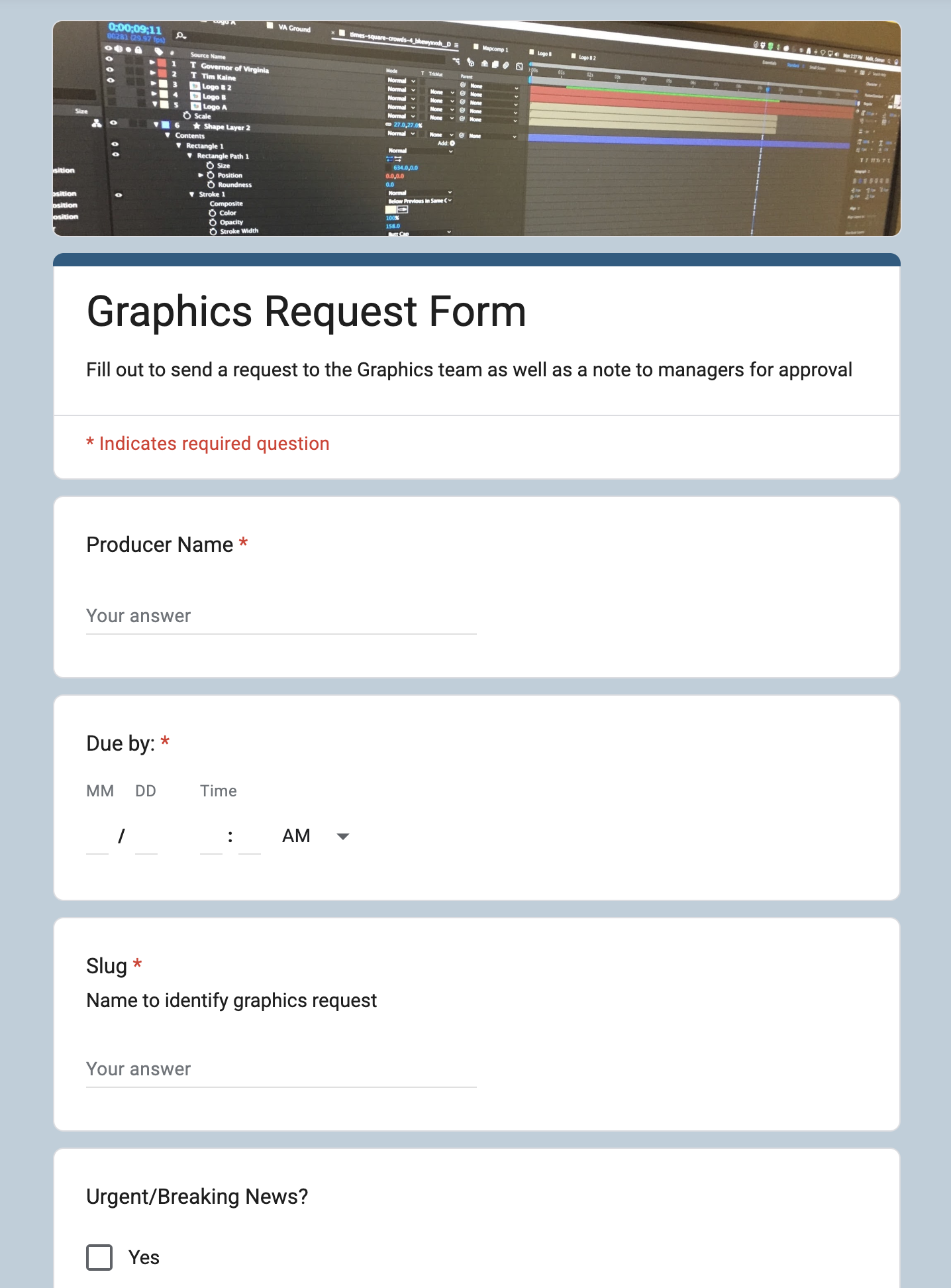
Every day brought dozens of requests for basic graphics: name banners, title slates, source credits, captions. Simple stuff that still required animator intervention because video editors had no self-service options. Meanwhile, our team couldn't focus on high-value creative work like election packages, explainer animations, and investigative graphics because we were buried in production busy work.
The Bottleneck
Our workflow was purely reactive:
Editors would email or Slack requests → Animators would create custom graphics → Back-and-forth revisions → Delivery.
A simple name banner that should take 2 minutes was consuming 30-45 minutes due to communication overhead and context switching.
The math was brutal: if each of our three animators spent just 3-4 hours daily on repetitive requests, that was 50-100 hours per week of skilled labor going toward work that could be systematized.
The Solution: A Template-Based Design System
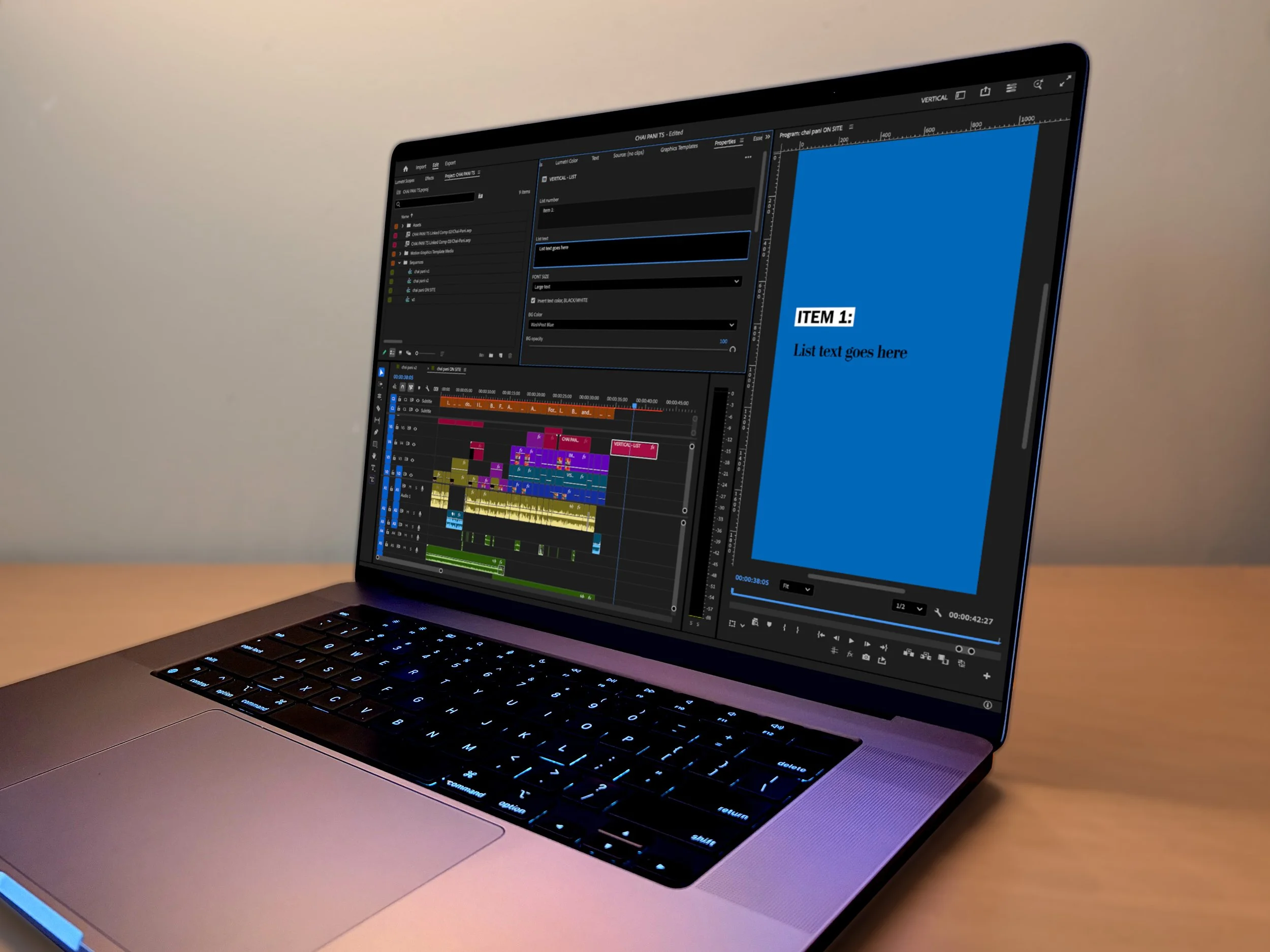
Rather than continuing to fight fires, we rebuilt the entire graphics production infrastructure. I designed a comprehensive template library in Adobe Premiere Pro that transformed how the video department worked.
What We Built
The system consisted of 15+ template categories covering every common graphics need:
Name/Title Banners: Multiple layouts for horizontal and vertical video, with and without captions
Title Slates: Opens for Instagram and horizontal videos with customizable headlines
Subtitle/Caption Templates: Auto-caption integration with brand-consistent styling
Source Credits: Standardized attribution for b-roll and archival footage
Narrative Text: Text slates for explanatory content
Headlines/Quotes: Pull quotes and headline cards with publication logos
Lists & Numbers: Data visualization templates
Credits: End credits with defined categories and formatting rules
But these weren't just asset files, they were parameterized templates with built-in controls. Each template exposed only the options editors needed (text fields, color toggles, position controls) while encoding brand guidelines and design constraints directly into the structure.

The Collaborative Process
The key to success wasn't just designing templates, it was ensuring they actually worked for real-world workflows. We ran a structured stakeholder feedback process:
1. Initial Template Development
My team designed the first iteration based on our most frequent requests and brand guidelines.
2. Stakeholder Review Sessions
We brought together video managers, senior producers, and editors for structured feedback sessions. I created a comprehensive evaluation presentation walking through every template with examples and technical specifications.
3. Documented Every Piece of Feedback
Rather than just collecting comments, we systematically documented 100+ specific pieces of feedback on usage rules, edge cases, missing functionality, and workflow conflicts.
4. Iteration Based on Real Usage
We didn't just implement requests blindly. We analyzed patterns in the feedback to identify systemic issues and created solutions that addressed root causes rather than symptoms.
5. Style Guide Documentation
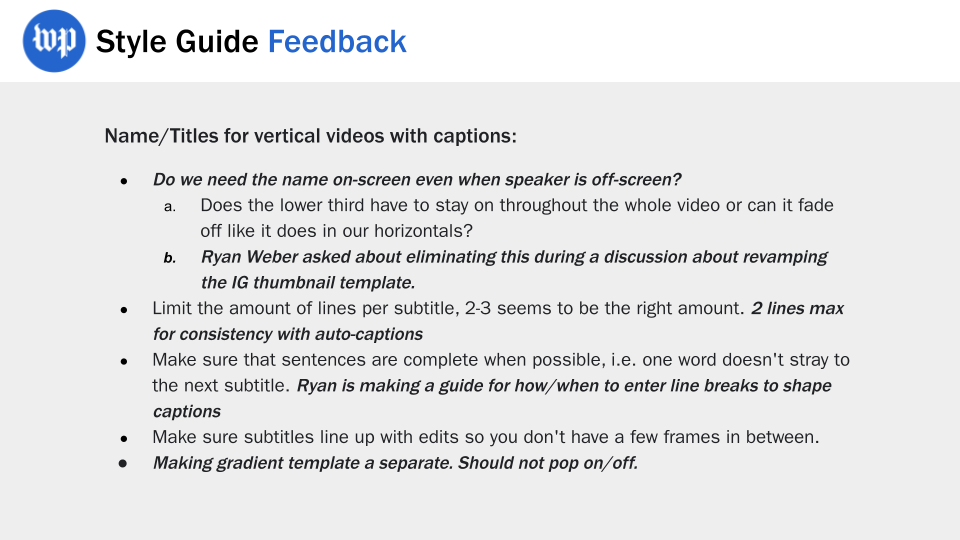
We codified all usage rules, best practices, and edge case handling into a comprehensive style guide that became the single source of truth for the entire video department.
How Feedback Shaped the System
Early feedback revealed that editors were confused about when to use name banners versus subtitles when speakers appeared on-screen. Rather than just adding another template option, we redesigned the decision tree and documentation to make the right choice obvious based on context (captioned vs. uncaptioned, on-screen vs. voice-over). This single clarification eliminated dozens of unnecessary requests.
The Results
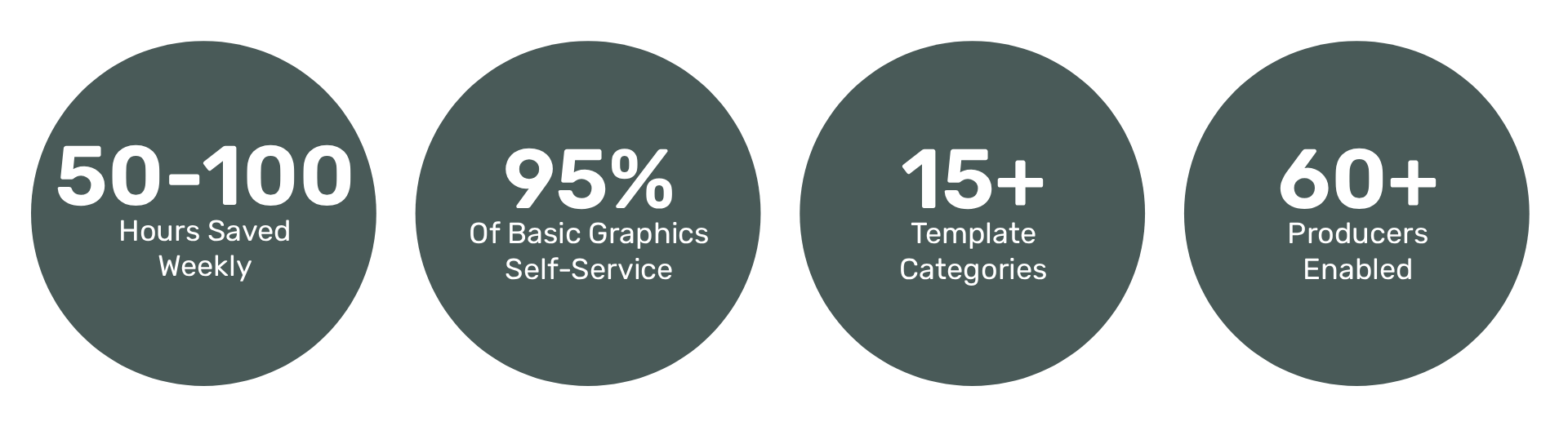
The impact was immediate and measurable:
Eliminated repetitive work: 95% of basic graphics requests (name banners, source credits, captions) became self-service
Freed creative capacity: My animation team could finally focus on high-value projects like live coverage, explainer animations, and investigative graphics
Improved consistency: Brand standards were encoded in the templates, eliminating inconsistencies across 60+ producers
Reduced turnaround time: Editors got graphics instantly instead of waiting hours or days for animator availability
Scaled without headcount: We maintained the same output quality as our team scaled from 9 FTE to 3 FTE + 2 contractors
What Made It Work
1. Constraints Enable Creativity
The templates weren't restrictive, they were liberating. By limiting options to only valid choices, we eliminated decision paralysis and prevented design drift. Editors could move faster because they didn't have to think about brand guidelines; the system enforced them automatically.
2. Build Systems People Actually Want to Use
We didn't just build what we thought editors needed, we built what they actually used. The stakeholder feedback process ensured the final system solved real problems in real workflows, not theoretical use cases.
3. Documentation Is Infrastructure
The style guide wasn't an afterthought, it was core infrastructure. Clear usage rules, visual examples, and decision trees transformed a collection of templates into a cohesive system that new team members could learn quickly.
4. Design Systems Are Organizational Change
This wasn't just a technical project, it was a change management initiative. We had to shift the mental model from "animators make all graphics" to "animators build systems that enable everyone to make graphics." That required stakeholder buy-in, training, and ongoing support.
Key Insight
“A design system is a single source of truth that reduces design redundancy and accelerates the development process.”
Chad Bergman, Designer Advocate, Figma
The Bigger Picture
This template system became the foundation for how our entire 60-person video department operated. It wasn't just about saving animator time. It was about fundamentally changing how creative operations worked at scale. The principles we applied here (parameterized templates, stakeholder-driven design, systematic documentation, constraint-based flexibility) became the blueprint for every subsequent operational system I built, from live graphics infrastructure to workflow automation. When you scale a lean team to deliver output that typically requires 3x the headcount, you're not just building templates. You're architecting how creative teams work.